ChatMD Studio Coming to Microsoft Store

Features

Everything your files can become.

Edit real documents, convert them locally, use your chosen AI and turn a folder of scattered files into connected knowledge.

FREE EDITOR

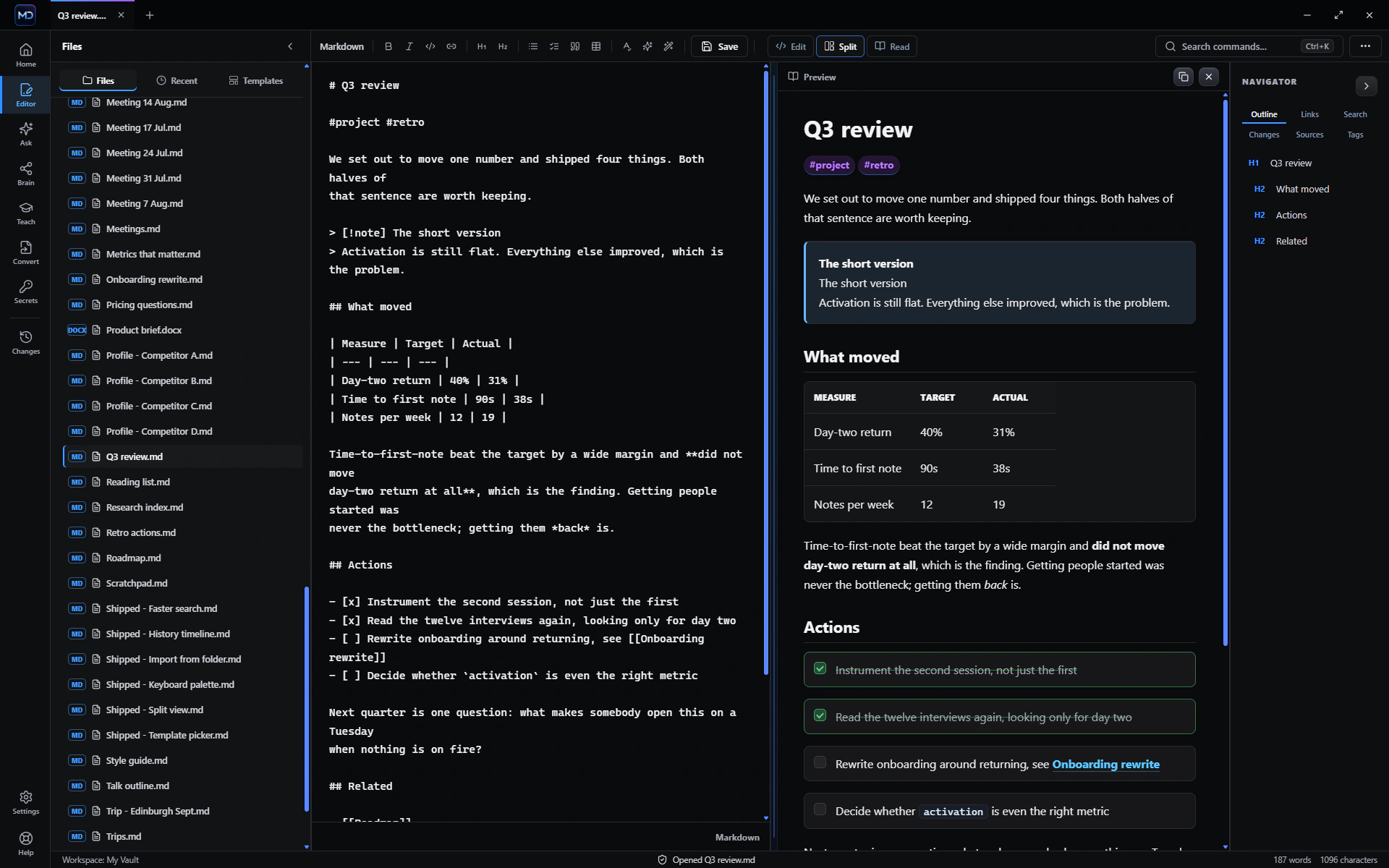
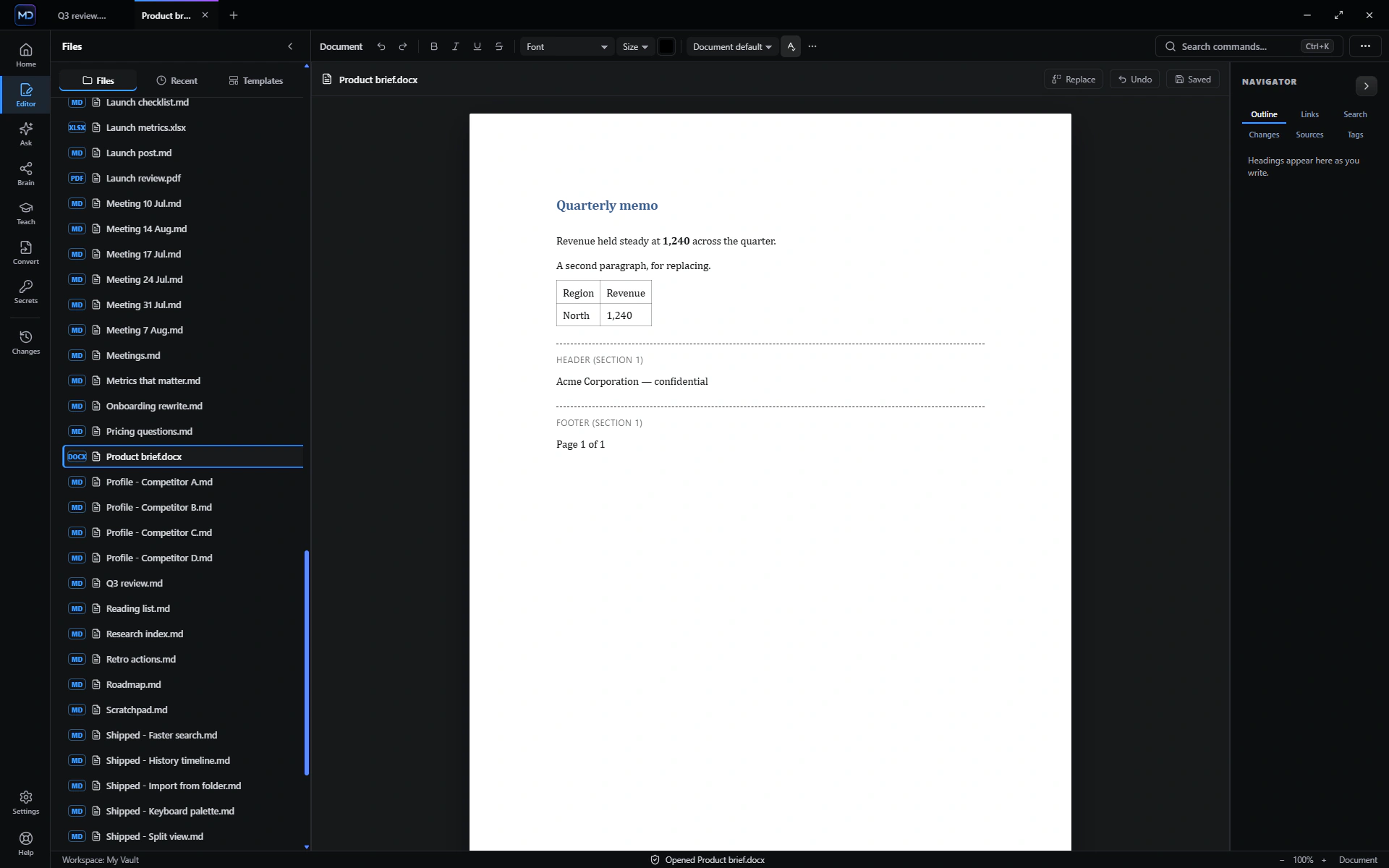
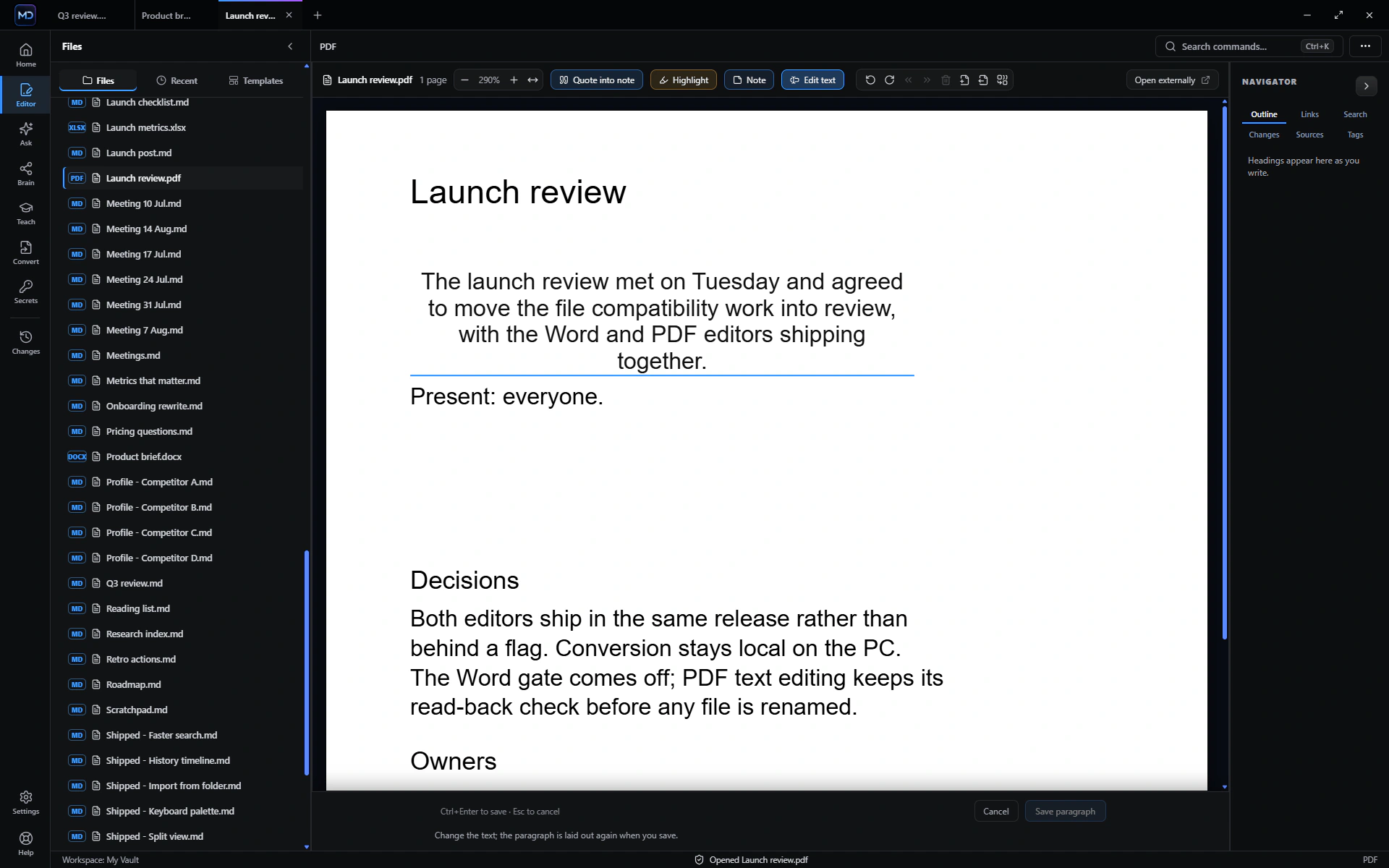
Edit the document—not a flattened copy.

Work across Markdown, text, tables, PDF, Word, Excel, PowerPoint, OpenDocument, Rich Text and EPUB from one private workspace.

  • Edit modern and legacy Word content, spreadsheets and presentations
  • Edit PDFs with forms, highlights, notes, page tools, undo and redo
  • Keep supported files in their original format instead of forcing a one-way import
  • Open SQLite databases, Obsidian Canvas and Bases alongside ordinary documents
ChatMD Studio editor view

STUDIO WORKFLOW

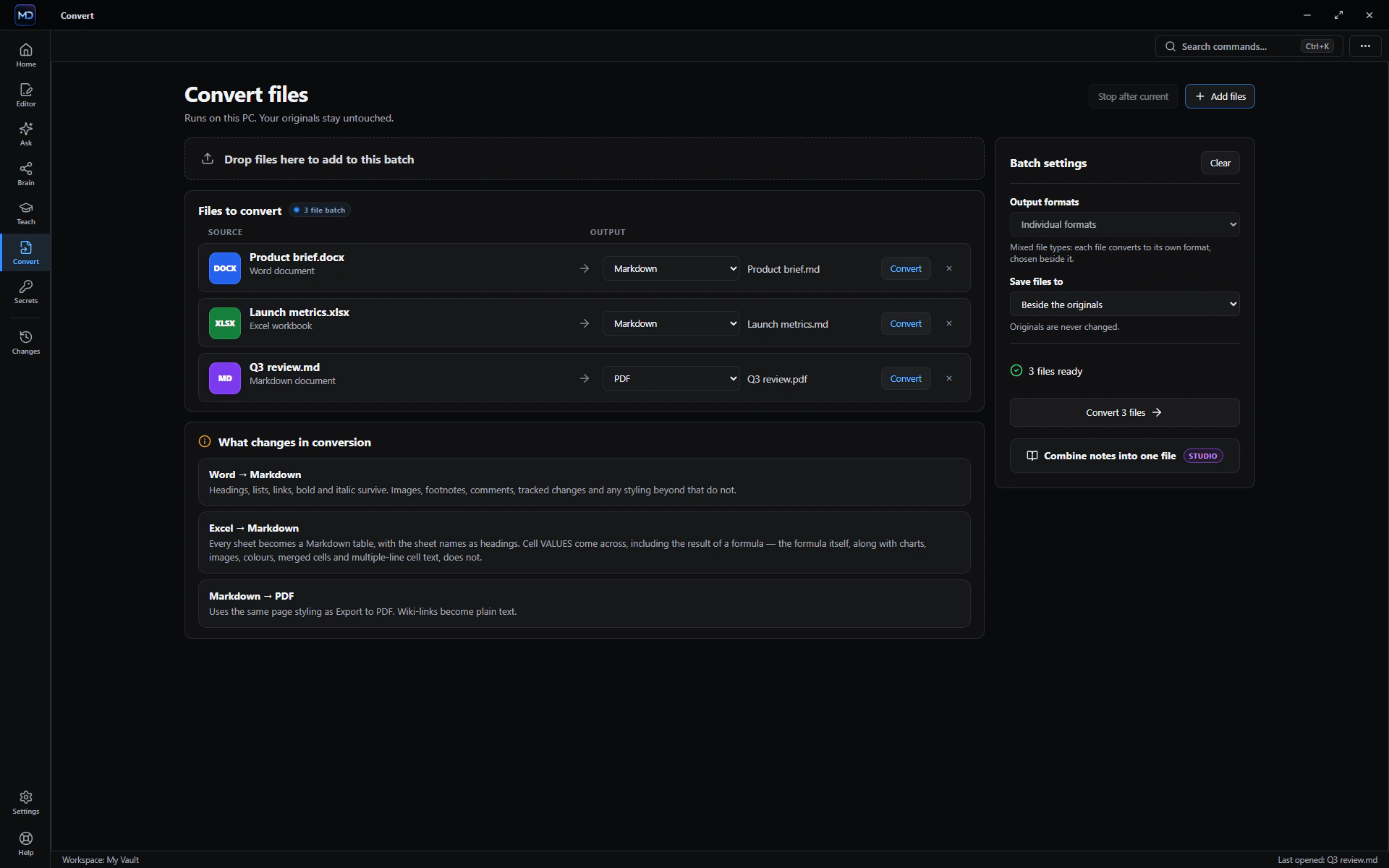
Bring files in. Send finished work out.

Convert one file, a mixed queue or a whole folder locally. Before anything runs, ChatMD Studio explains what that route can preserve and what it cannot.

  • Convert supported inputs—including PDF, Office, OpenDocument, RTF, EPUB, HTML and tables—into Markdown for free
  • Export Markdown to Word, PDF, HTML, CSV/TSV, plain text or EPUB
  • Combine many notes into one Markdown, HTML, PDF, Word or EPUB book
  • Save into the vault, beside the source, or to a destination you choose
ChatMD Studio convert view

STUDIO WORKFLOW

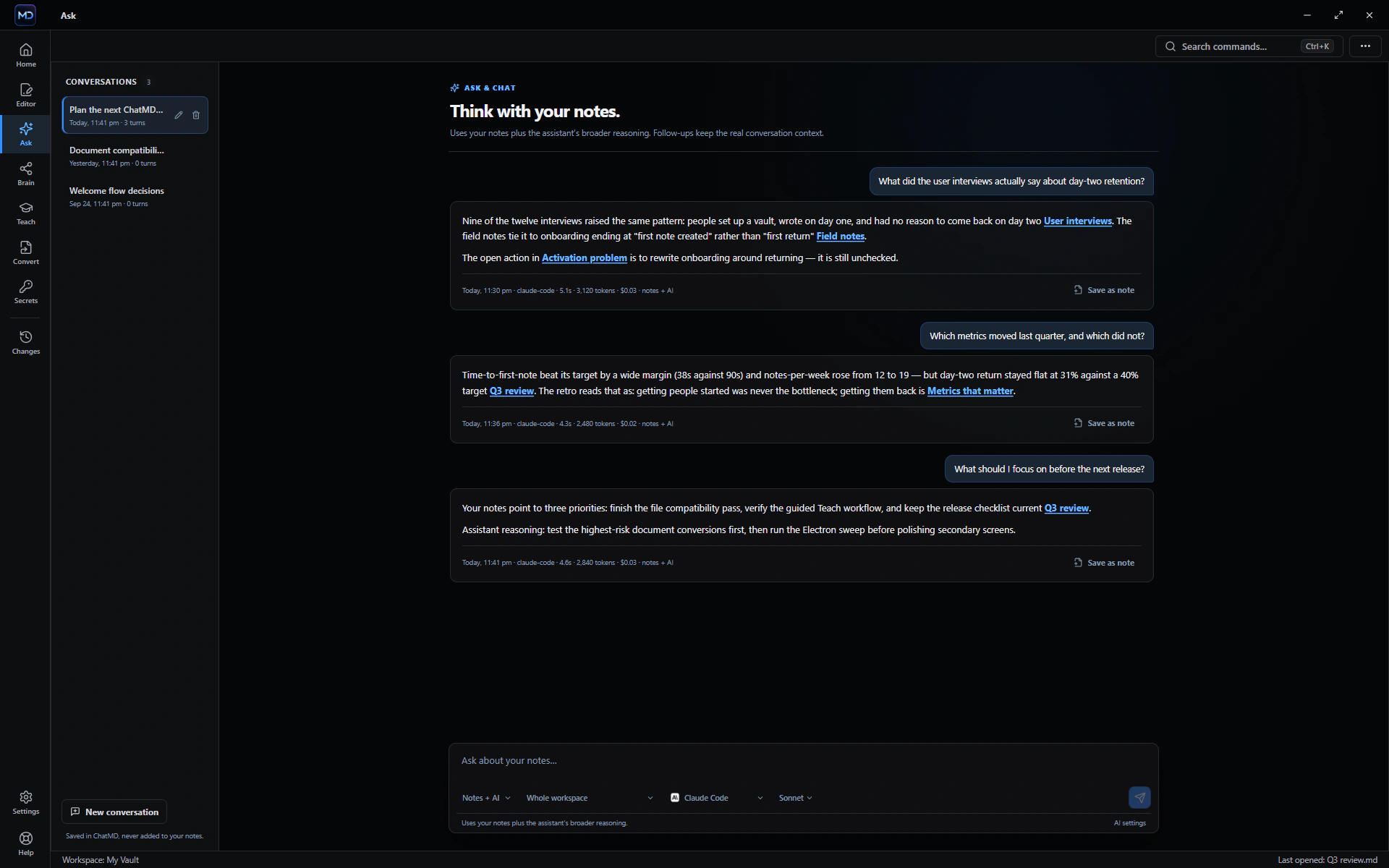
Ask with sources—or use the full assistant.

Choose how much freedom the AI gets: stay grounded in your files, combine file context with broader reasoning, or chat without limiting every answer to the vault.

  • Switch between notes-only, hybrid and full-chat modes
  • Use Claude Code, Codex, Ollama or another compatible command
  • Choose provider, model, whole-vault or focused scope
  • Open citations that link file-grounded answers back to their source
  • Keep conversations and follow-ups together without locking yourself to one provider
ChatMD Studio ask view

STUDIO WORKFLOW

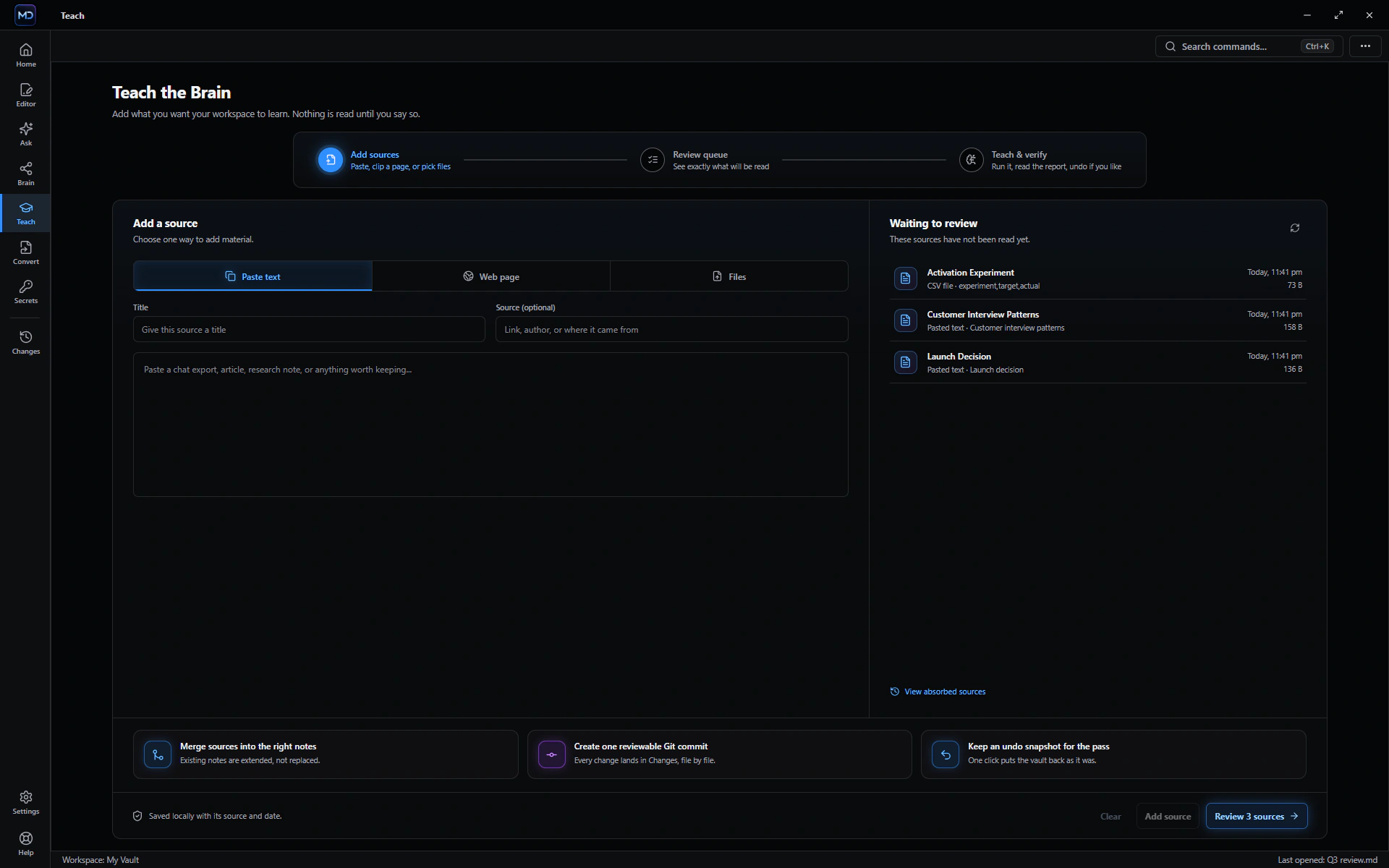
Add trusted knowledge on your terms.

The in-app Teach workflow guides you through Add → Review → Add, turning useful material into connected knowledge without silently feeding every file to AI.

  • Paste text, attach supported documents or clip a clean web article
  • Review every source before the AI reads it
  • See what was added and keep the latest report
  • Nothing scans or reorganizes the folder on a timer
ChatMD Studio teach view

STUDIO WORKFLOW

See how your knowledge connects.

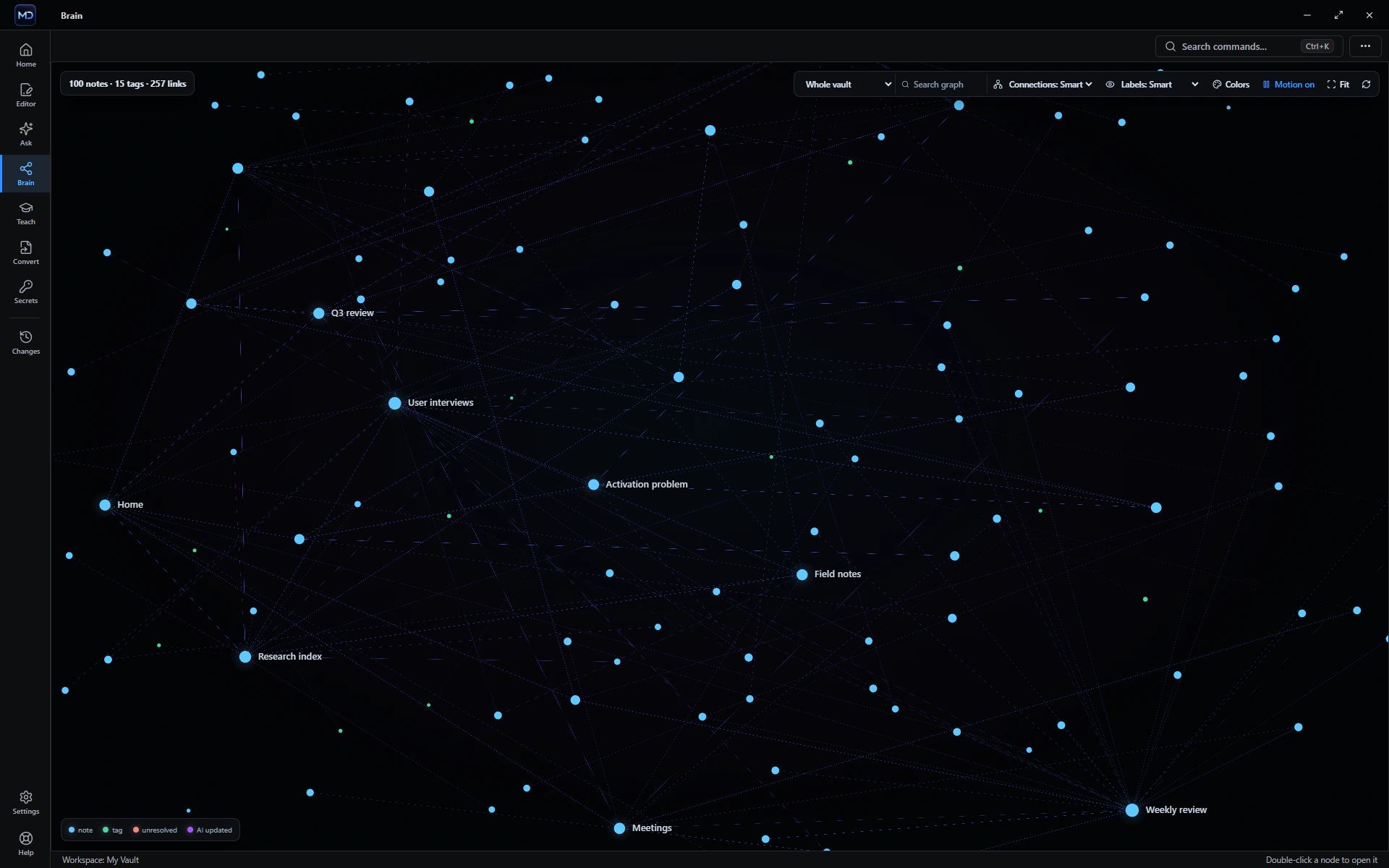
Brain is the visual map of your connected knowledge base. It shows notes, tags and real links as they exist, so you can discover context without AI inventing relationships.

  • Render and explore the graph locally
  • Customize colors and filter by tag, folder or search
  • Open any node directly in the editor
  • Keep unlinked notes visible instead of hiding gaps
ChatMD Studio brain view

STUDIO WORKFLOW

Trust the folder after an AI touches it.

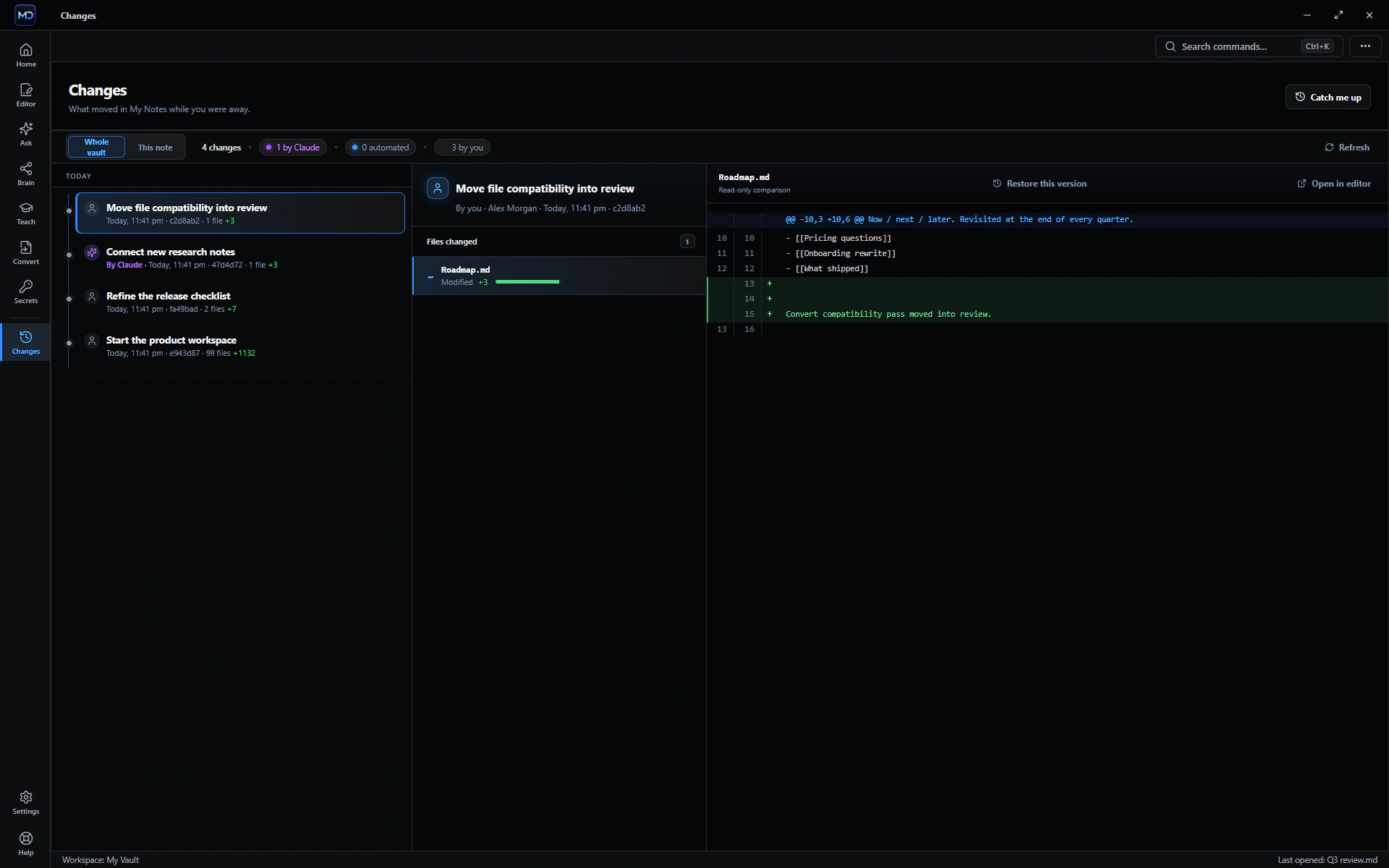
Changes and Vault Health make local history readable, surface stale or unresolved work, and help recover earlier versions.

  • Whole-vault and single-note history
  • Readable diffs and grouped maintenance commits
  • Unsaved-work recovery and atomic saves
  • Unresolved links, stale claims, orphans and dated content checks
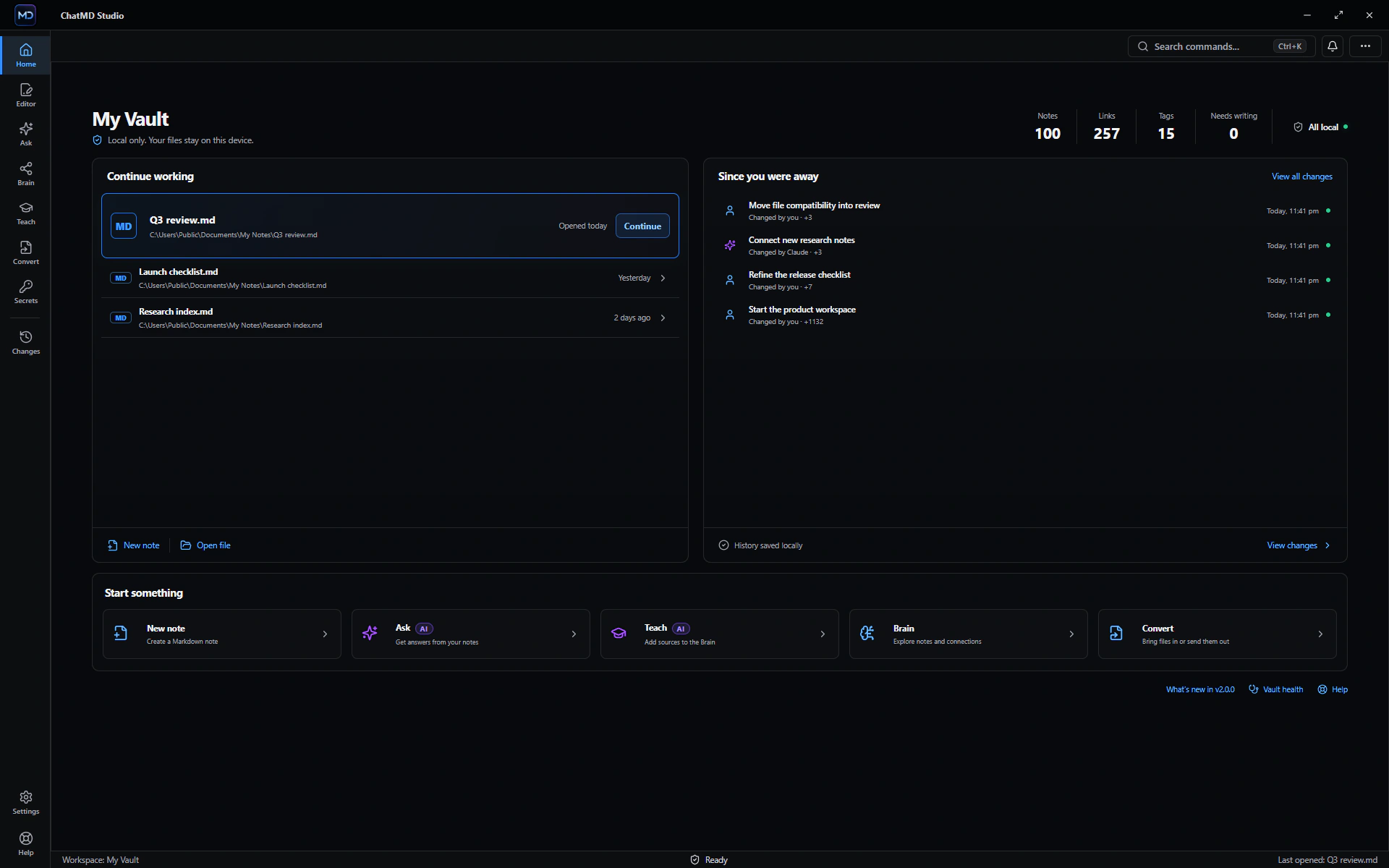
ChatMD Studio changes view

Bring the files you already use.

ChatMD Studio is built around real work, not a Markdown-only demo. Format support is explicit: editing, conversion and AI reading use the strongest safe path each format provides.

Documents

DOC, DOCX, DOCM, DOTX, ODT, FODT, RTF, TXT and Markdown

Spreadsheets

XLSX, XLSM, ODS, CSV and TSV

Presentations

PPTX, PPTM, ODP and FODP

Publishing & data

PDF, EPUB, HTML, SQLite, Obsidian Canvas and Bases

The editor stays free.

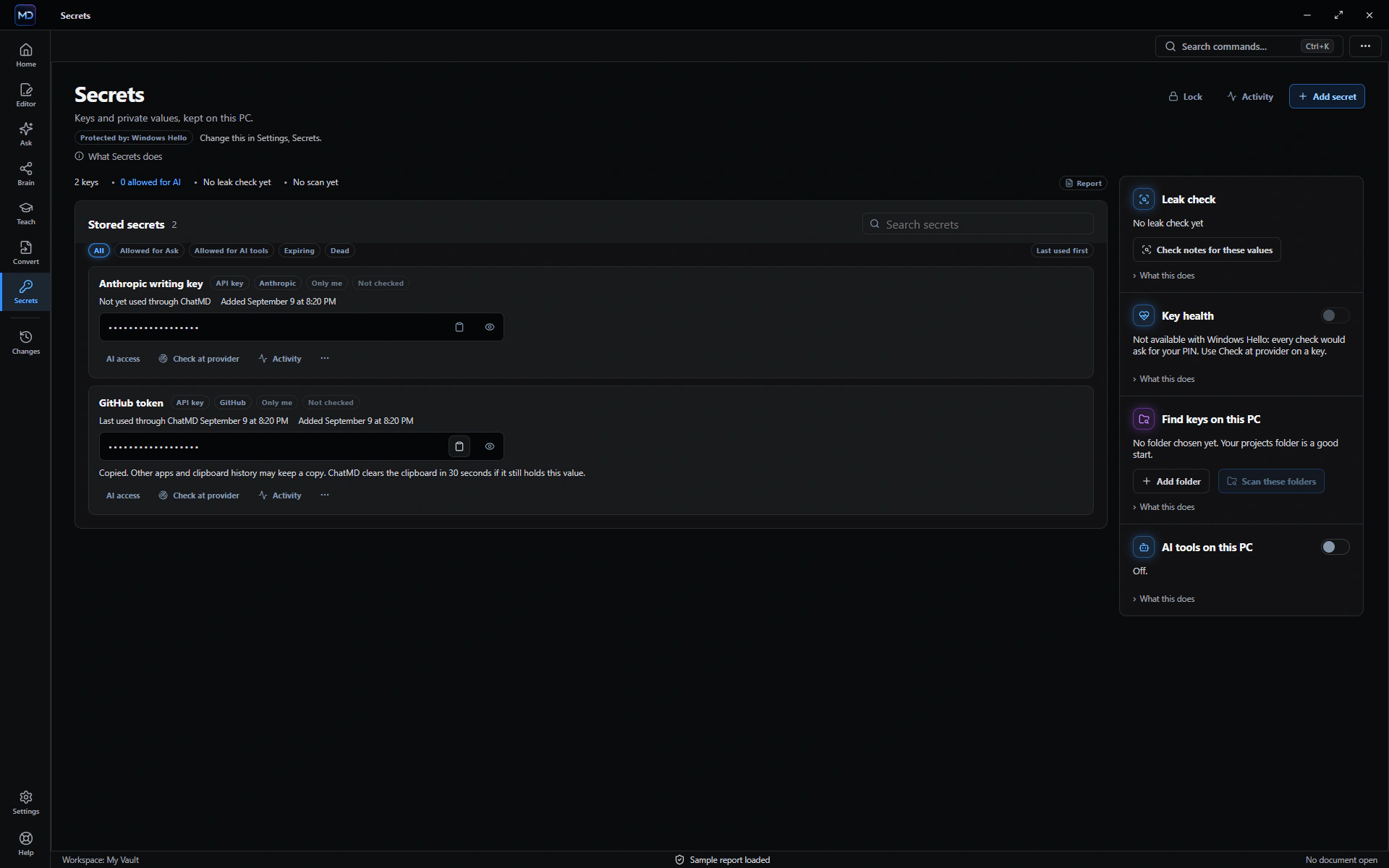
Reading, writing, search, templates, viewers and converting supported files into Markdown are the permanent foundation. Studio adds the full AI assistant, guided knowledge capture, the Brain connection map, change review and Vault Health. The purchase gate is not enabled yet; every feature is currently available.